
Forge of Empires Smart City Designer
Rearranging a developed city by hand is hours of dragging, and the mistake you only notice afterwards is a building left without road access. Defiant reads your real rebuild draft, packs a layout around connected roads, and shows you the whole plan — including what it could not place — before anything in your city moves.
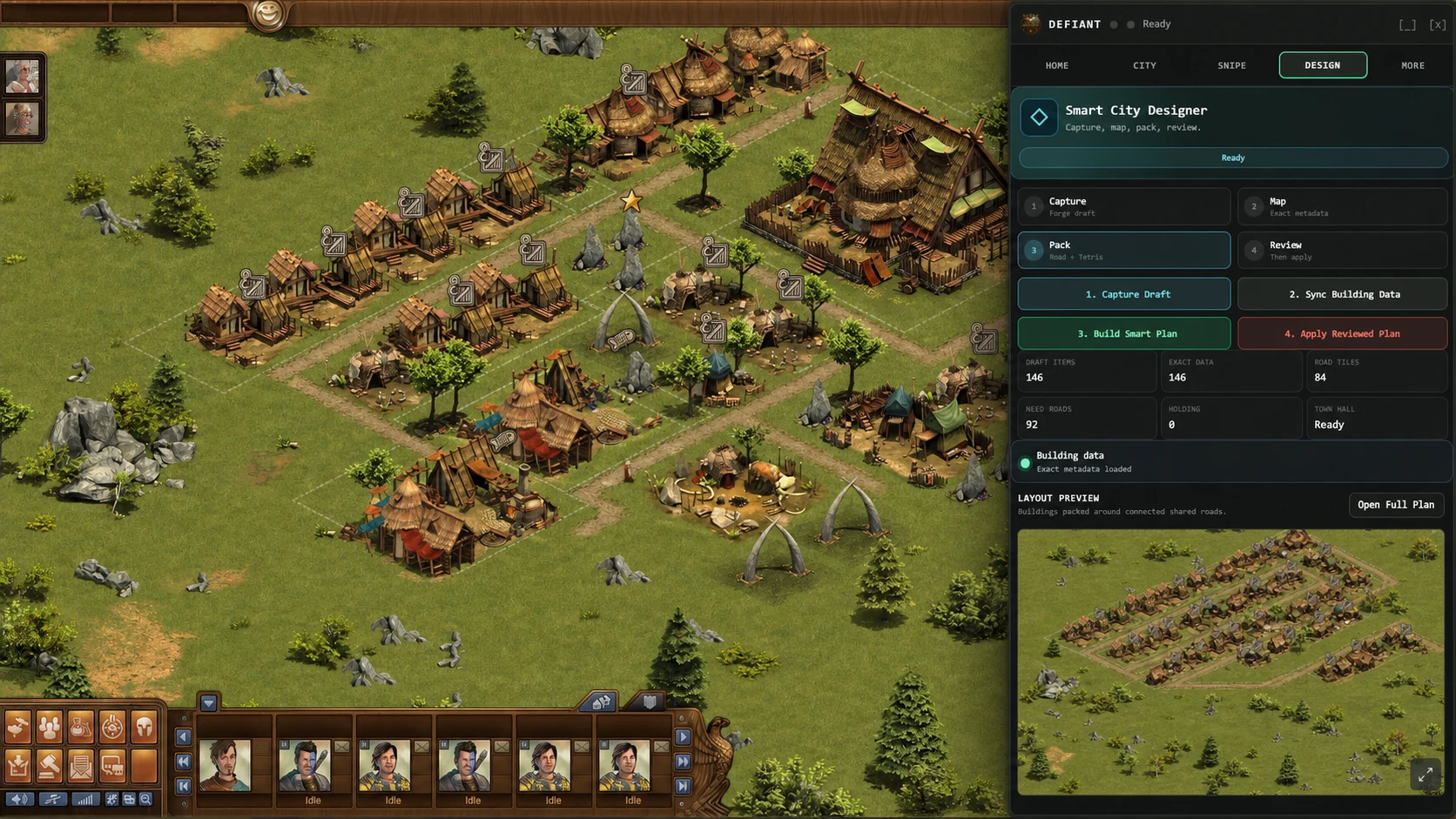
Real Defiant interface with fictional, privacy-safe values. Forge of Empires is shown only to demonstrate how the extension appears in use.
One button to plan
Open Forge Rebuild in the game and press Build Plan. Capturing the draft, syncing building data, and packing the layout all happen in that single step.
Apply is always separate
Planning changes nothing. Apply is its own deliberate click, because it is the one that moves real buildings.
A readiness check first
Before you commit: how many buildings are in the draft, how many have exact size data, how many roads the plan uses, anything still unplaced, and where the Town Hall ended up.
See the layout, not a promise
The preview map draws the plan in Forge coordinates or a plain grid, with building labels you can switch off to read the shape underneath.
Roads and sets are the priority
The packer favours a connected Town Hall road network, short-side road access, and keeping sets or chains compact rather than scattered.
Nothing disappears quietly
Unused roads stay in storage instead of being parked as filler, and anything that could not be placed is named rather than dropped.
How it works
- Open Forge Rebuild in Forge of Empires and lay out the draft you want Defiant to work from.
- Press Build Plan. Defiant captures the draft, syncs building sizes and road data, and packs a layout in one step.
- Read the readiness line — buildings captured, exact size data, roads used, unplaced items, Town Hall position — and open the preview map to check the shape.
- Save the draft if you want to come back to it. Saved plans can be loaded, restored, or deleted, so a planning run is never a one-way door.
- Press Apply only when the plan looks right. Turn on the live map option to watch each building move as it saves, or leave it off for the fastest apply.